
Python Tutorial: A Simple and Beginner-Friendly Guide 2026
Firstly, a Python Tutorial can help you start coding without fear. In fact, Python is simple, clear, and useful. Moreover, you can use it for websites, apps, data, and automation. As a result, many new coders choose Python first. It feels friendly because the code looks close to English.
Read More: Knowledge Distillation: A Simple Guide for Better AI
Firstly, this article gives a simple Python Tutorial for beginners who want to start coding with confidence. In addition, it explains Python basics, setup steps, variables, data types, lists, conditions, loops, functions, comments, practice tips, and common mistakes. It also includes FAQs, useful tables, quotes, and a clear learning path for new coders.
“Python is a great first language because it rewards clear thinking.”
What Is Python?
Python is a popular programming language. In fact, it helps people give commands to computers. Additionally, you can write small scripts or build large systems. Moreover, it works well for beginners and experts.
Firstly, this Python Tutorial focuses on the basics. Next, you will learn what to install, what to write, and what to practice.
Read More: OpenCV: The Complete Guide to Computer Vision
Why Learn Python?
Firstly, Python is useful in many fields. For example, it is used in web development, data science, machine learning, testing, and task automation. It also has a large support community.
| Reason | Why It Matters |
|---|---|
| Easy syntax | Code is simple to read |
| Many libraries | You can build faster |
| Strong demand | Python skills help careers |
| Beginner friendly | You can learn step by step |
“Good code is not magic. It is clear steps written with care.”
How To Set Up Python
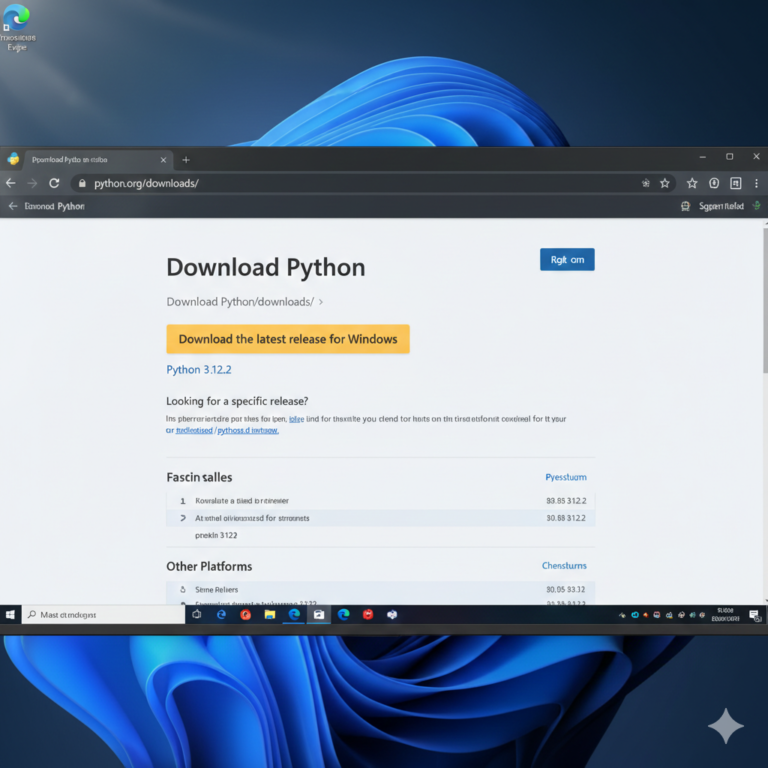
First, download Python from the official website. Then install it on your computer. During setup, choose the option to add Python to PATH. This helps your system find Python.
Next, open a code editor. Visual Studio Code is a common choice. You can also use PyCharm or IDLE. After that, create a new file. Save it with a .py ending.
This Python Tutorial uses simple examples. You can copy them and test each one.
Read More: Understanding Ai Monitization: Make Money Artificial Intelligence
Your First Python Program
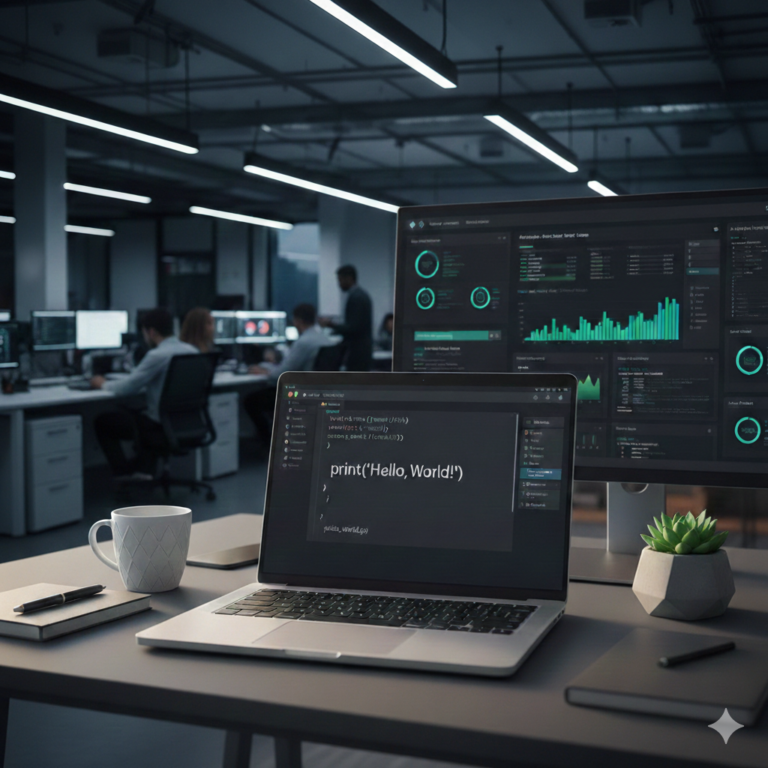
Start with a small program.
print("Hello, Python!")This line prints text on the screen. Basically, the print() function shows output. Also, text must stay inside quotes.
Now, try changing the message. In fact, small changes help you learn faster.
Read More: Best AI Video Generator Tools | Free AI Video Creator Guide
Python Variables
Variables store values. They help your program remember data.
name = "ayesha" age = 25Here, name stores text. The age variable stores a number. Python understands the type from the value.
This Python Tutorial keeps examples short. That makes each idea easier to follow.
Read More: Newest AI Technology 2026 | Latest Updates About Technology
Common Python Data Types
Python has several basic data types. You will use them often.
| Data Type | Example | Use |
|---|---|---|
| String | “Hello” | Stores text |
| Integer | 10 | Stores whole numbers |
| Float | 3.5 | Stores decimal numbers |
| Boolean | True | Stores true or false values |
Also, Python has lists and dictionaries. Lists store many items. Dictionaries store data with names.
Python Lists
A list keeps items in order.
fruits = ["apple", "banana", "mango"] print(fruits[0])This prints apple. Python starts counting from zero. So, the first item has index 0.
You can add items to a list.
fruits.append("orange")Lists are useful for names, products, scores, and tasks.
Read More: Free AI Logo Generator Tools | Best Free Logo Makers 2026
Python Conditions
Conditions help programs make choices.
age = 18 if age >= 18: print("You can vote.") else: print("You are too young.")The if line checks a rule. The else line runs when the rule is false.
This Python Tutorial shows one key habit. Read your code like a sentence.
“A program is a set of choices, repeated with purpose.”
Python Loops
Loops repeat work. They save time and reduce errors.
for number in range(1, 6): print(number)This prints numbers from 1 to 5. The final number is not included.
You can also loop through lists.
for fruit in fruits: print(fruit)Loops are useful when you handle many items.
Read More: AI Trends 2026: Future of Artificial Intelligence Explained
Python Functions
Functions group code into reusable blocks.
def greet(name): print("Hello, " + name) greet("Ali")The function takes a name. Then it prints a greeting. Functions help keep code clean.
This Python Tutorial recommends writing small functions. Small functions are easier to test.
(Python Tutorial) Comments
Comments explain code. Python ignores them when the program runs.
# This prints a welcome message print("Welcome")Use comments when the reason is not clear. Do not explain every simple line.
Read More: Text-to-Speech:A simple and Complete AI Voice Guide for 2026
How To Practice Python Tutorial
Practice matters more than reading alone. First, start with small tasks. For example, build a calculator. Next, create a quiz. Then, make a to-do list. Finally, write a script that renames files.
Then try projects that solve real problems. For example, track expenses. Sort notes. Clean simple data. Send basic reports.
This Python Tutorial works best when you code daily. Even twenty minutes can help.
Common Beginner Mistakes in that they done while learning Python Tutorial
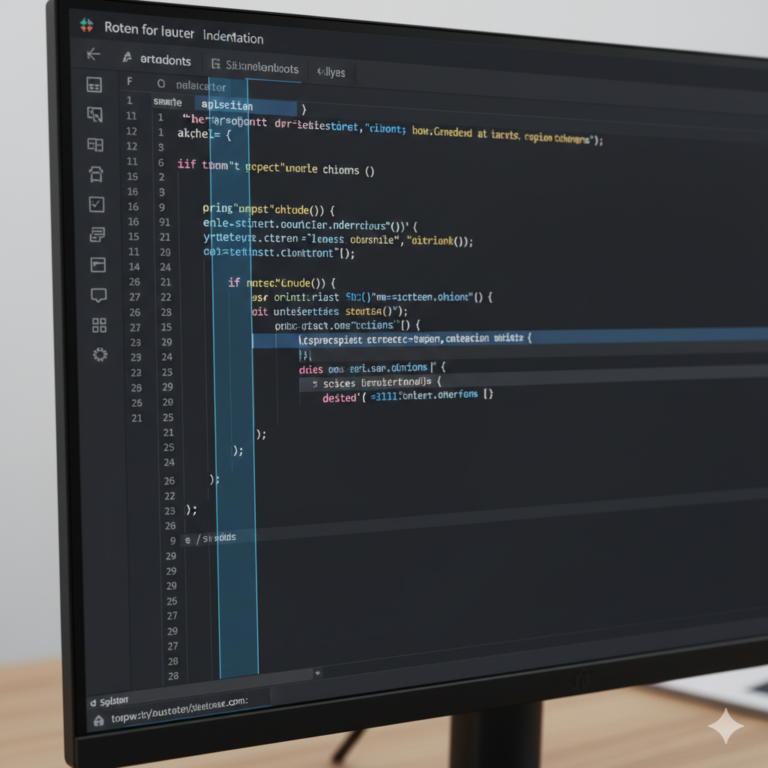
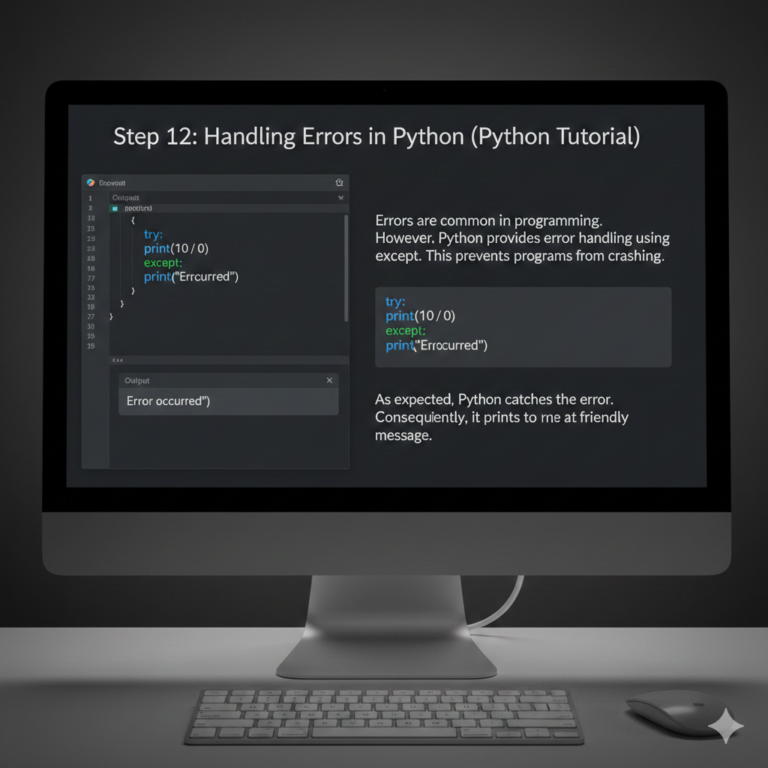
New coders often forget quotes. They also miss colons after if, for, and def. Indentation can also cause errors. Python uses spaces to understand code blocks.
First, read error messages slowly. Usually, they show the file and line number. Then, fix one issue at a time.
“Every error is a clue, not a failure.”
Simple Python Tutorial learning plan
Start with setup and syntax. Then learn variables, lists, loops, and functions. After that, build small projects. Finally, read other people’s code.
This Python Tutorial gives you a clear path. However, do not rush. After all, strong basics make advanced topics easier.
Read More: News Artificial Intelligence | Latest AI Updates & Trends
After learning Python Tutorial, the Best Tools for Python Beginners
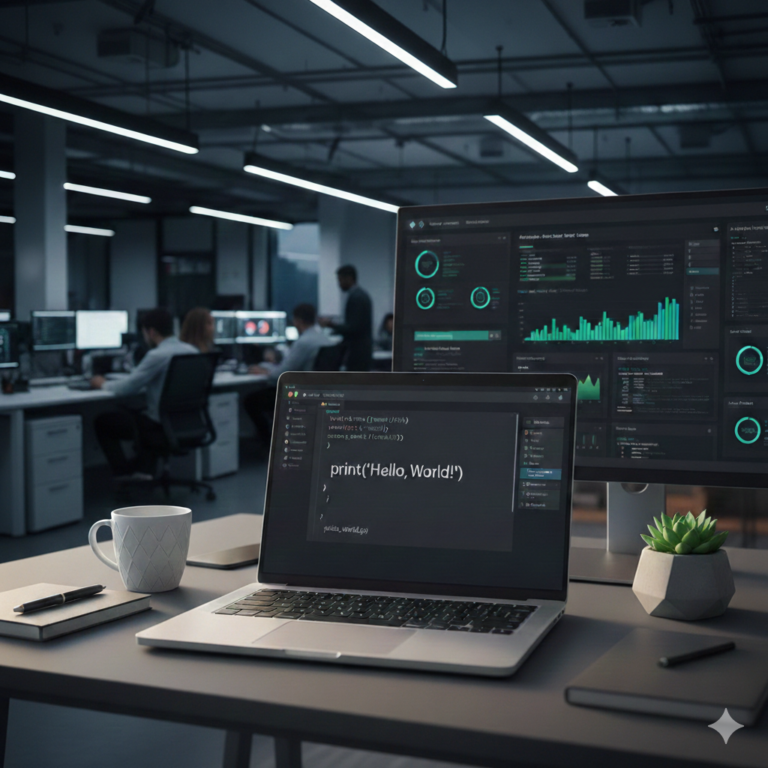
First, use a clean editor. Next, keep one folder for your practice files. Then, name files clearly. For example, use simple names like calculator.py or quiz.py.
You can also use online editors. They help when you do not want setup work. Still, local practice is better long term.
This Python Tutorial also suggests using Git later. Git helps you save versions of your code.
Read More: Living Your Best Life: Tips for a Healthy Lifestyle – Minsa AI
Final Thoughts for Python Tutorial
First, Python is a smart choice for new coders. Because of this, it is simple, useful, and flexible. So, you can start small and grow with time. Meanwhile, keep writing code, keep testing ideas, and start learning from mistakes.
In conclusion, a Python Tutorial is only the start. Ultimately, your real growth begins when you build things.
FAQs
1. What is Python used for?
Firstly, Python is used for websites, data, automation, apps, and machine learning. In addition, it is widely used in many real-world industries because of its flexibility.
2. Is Python good for beginners?
Yes, absolutely. In fact, Python has clear syntax and many learning resources, which makes it very beginner-friendly.
3. How long does Python Tutorial take to learn?
Generally, you can learn the basics in a few weeks with steady practice. However, mastering it takes continuous learning and real project work.
4. Do I need math to learn Python Tutorial?
Basically, only basic math is enough for most beginner tasks. Moreover, advanced math is only needed for specialized fields like data science.
5. Which editor is best for Python?
For example, Visual Studio Code is a good choice for many beginners. Additionally, it offers helpful features like debugging and extensions.
6. Can I get a job with Python when I complete Python Tutorial?
Yes, definitely. As a result, Python skills can support roles in web development, data analysis, testing, and automation.
7. What should I build first after learning Python Tutorial?
Firstly, start with a calculator, quiz app, or to-do list. Then, gradually move to more complex projects to improve your skills.
8. Is Python free?
Yes, it is completely free. In fact, Python is open-source and can be downloaded and used without any cost.
9. Should I learn Python 2 or Python 3?
Currently, you should learn Python 3. This is because it is the modern and widely accepted standard.
10. How can I improve fast with Python Tutorial?
Finally, practice daily, build projects, and review your mistakes. In addition, consistency is the key to improving quickly.
Read More: Best AI Tools for Passive Income | Make Money Online Easily
Call To Action
Need clear and SEO-friendly content for your website? I can help with:
- Tech Article Writing
- On page SEO
- Keyword Research & Optimization
- Site Audit
Contact me today:
Email: zarirahwriter@gmail.com
Phone: +92 371 4778412
Author Bio
Zarirah Asif is a creative content writer who loves turning ideas into engaging words. In fact, she writes SEO-friendly articles that are easy to read and useful for readers. As a result, her goal is to help brands stand out with quality content. Moreover, she is always learning and continuously improving her writing skills.



Post Comment
You must be logged in to post a comment.