Last updated: November 4, 2026. Prices change often, so confirm the current plan on each vendor’s site before you buy.
The best Otter.ai alternative for most people is Fireflies.ai: its free plan has no monthly minute cap on transcription, and its Pro plan costs about the same as Otter Pro on annual billing while adding unlimited AI summaries. If you want a free tool that records and summarizes every call, pick Fathom. If you dislike having a bot join your meetings, Granola is the strongest bot-free option.
Below we compare five Otter.ai alternatives based on their published plans, limits and features, so you can see which one fits how you actually meet.
Quick picks: the best Otter.ai alternatives
| Tool | Best for | Free plan | Paid plans from (annual billing) |
|---|---|---|---|
| Fireflies.ai | Best overall Otter.ai alternative | Yes, with limited AI summaries | $10 per seat/month |
| Fathom | Best free Otter.ai alternative | Yes, unlimited recordings | $15 per user/month (Team) |
| tl;dv | Sales and customer calls | Yes, 10 meetings with AI notes | $18 per seat/month |
| Granola | Bot-free note taking | Yes, 30 days of history | $14 per user/month |
| Notta | Low-cost transcription and translation | Yes, 120 minutes/month | $8.17 per user/month |
Why people look for an Otter.ai alternative
Otter.ai is still a capable meeting assistant, but its free Basic plan is tight. It gives you 300 transcription minutes a month, caps each conversation at 30 minutes, keeps only your 25 most recent conversations and allows 3 lifetime file imports.
Otter Pro costs $16.99 per user/month billed monthly or $8.33 billed annually. It raises the limit to 1,200 minutes a month and 90 minutes per meeting. Business costs $30 monthly or $19.99 annually and removes the meeting-minute cap, with meetings up to 4 hours.
If you run long meetings, hit the minute cap, or want features such as CRM sync or bot-free recording at a lower tier, one of the tools below may suit you better.
How we chose
We compared each tool’s published pricing page, free plan limits and feature lists as of November 2026. We looked at how much meeting time each plan covers, how good the AI summaries and search are, which platforms and integrations are supported, and whether the tool needs a bot to join the call. We did not run hands-on tests. Read our editorial policy for how we research and update articles.
If you want the wider category rather than direct Otter replacements, see our guide to the best AI meeting note takers.
1. Fireflies.ai: best overall Otter.ai alternative
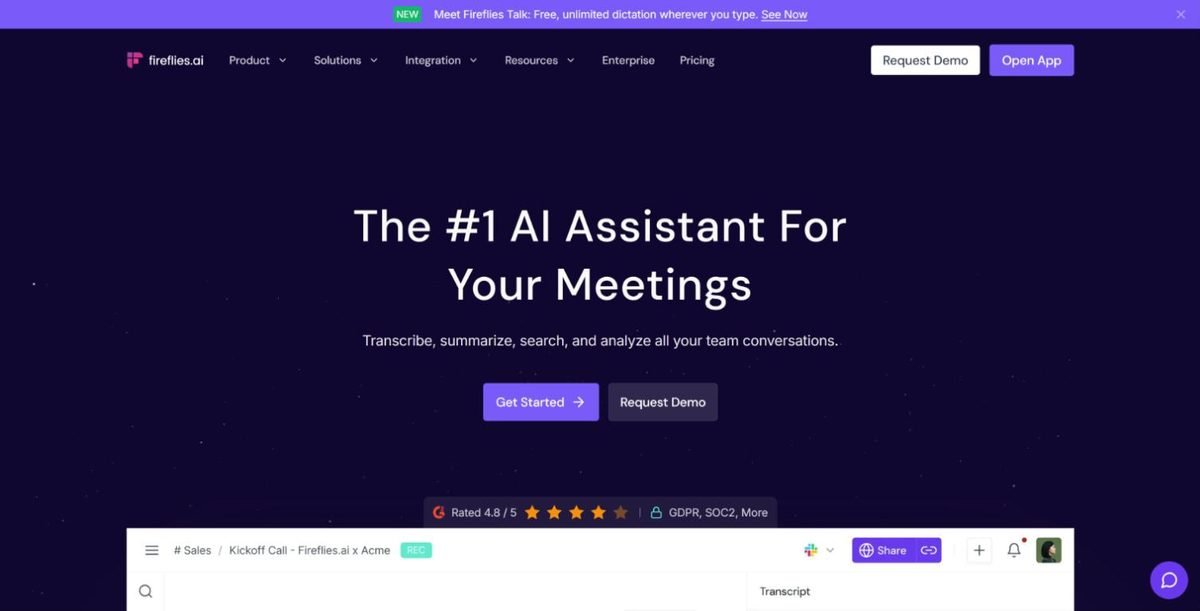
Fireflies.ai is an AI notetaker that joins Zoom, Google Meet, Microsoft Teams and other platforms to record, transcribe and summarize calls. It also has a desktop app, mobile apps and a Chrome extension, and supports transcription in more than 100 languages.
The free plan is more generous than Otter’s on transcription: Fireflies lists unlimited transcription, but limits AI summaries and gives 400 minutes of storage per team. Recordings are capped at 2 hours per meeting on Free and Pro.
Pricing: Free. Pro $18 per seat/month billed monthly or $10 billed annually. Business $29 monthly or $19 annually. Enterprise $39 per seat/month, annual billing only.
Pros
- Pro includes unlimited transcription, unlimited AI summaries and 8,000 minutes of storage per seat.
- Wide integration support, plus AskFred, an assistant you can question about past meetings.
- Business adds unlimited storage, 3-hour recordings, 1080p video, conversation intelligence and team analytics.
Cons
- Free storage is shared across the whole team and runs out quickly.
- Advanced AI features draw on a small monthly pool of AI credits.
- Uses a bot that joins the call, which some guests dislike.
Verdict: Fireflies is the closest like-for-like Otter replacement. On annual billing, Pro costs a little more than Otter Pro ($10 vs $8.33) but removes the monthly minute cap and allows meetings up to 2 hours instead of 90 minutes.
2. Fathom: best free Otter.ai alternative
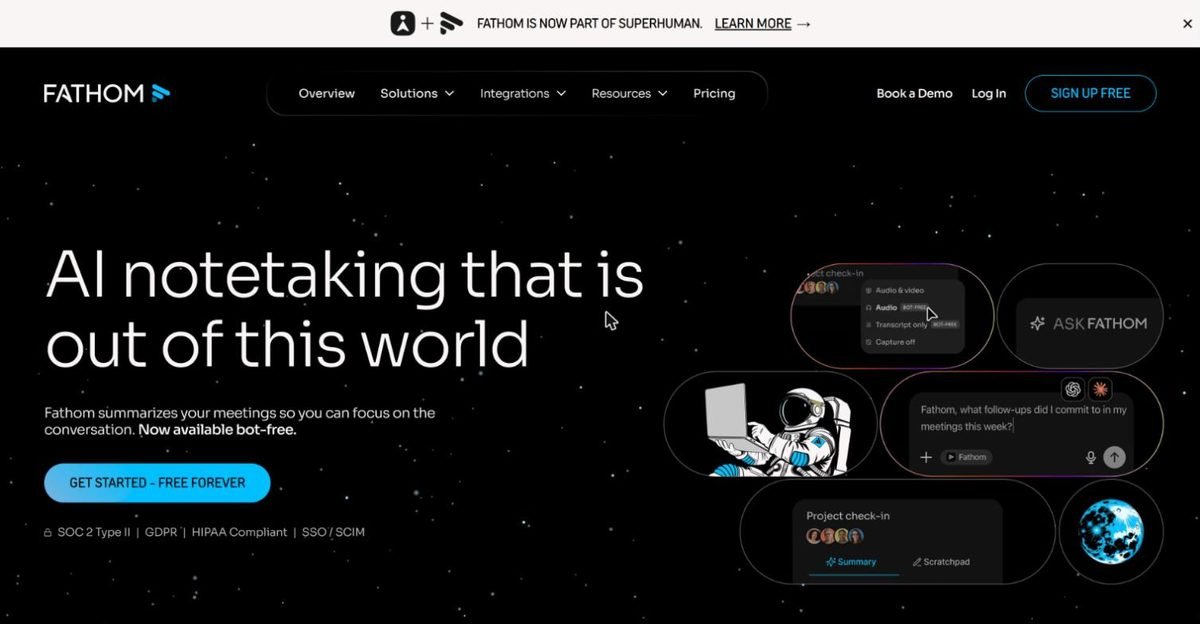
Fathom is an AI meeting assistant that records, transcribes and summarizes calls on Zoom, Google Meet and Microsoft Teams. Its free plan is the main draw: Fathom advertises unlimited recordings and transcriptions, instant AI call summaries and unlimited call storage, free forever. Its homepage also says it is now available bot-free, so you can capture calls without a visible recorder.
Some AI features, such as action items and Ask Fathom across your account, are marked as limited on the free plan. Paid plans unlock advanced summaries, shared team workspaces and CRM sync.
Pricing: Free. Premium $20 per user/month billed monthly or $16 annually. Team $19 monthly or $15 annually (2-user minimum). Business $34 monthly or $25 annually (2-user minimum). Enterprise is sold through the sales team.
Pros
- The free plan has no published minute cap on recording or transcription.
- Integrates with HubSpot, Salesforce, Asana, Slack and Zapier, and offers an API and MCP access.
- Team plan includes HIPAA compliance with a standard BAA, and paid plans carry a 90-day guarantee.
Cons
- Advanced AI features are limited on the free plan.
- Automatic CRM field updates are reserved for the Business plan.
- Team and Business plans require at least 2 users.
Verdict: If Otter’s 300-minute free cap is your main frustration, start with Fathom. Many solo users will never need to upgrade.
3. tl;dv: best Otter alternative for sales calls
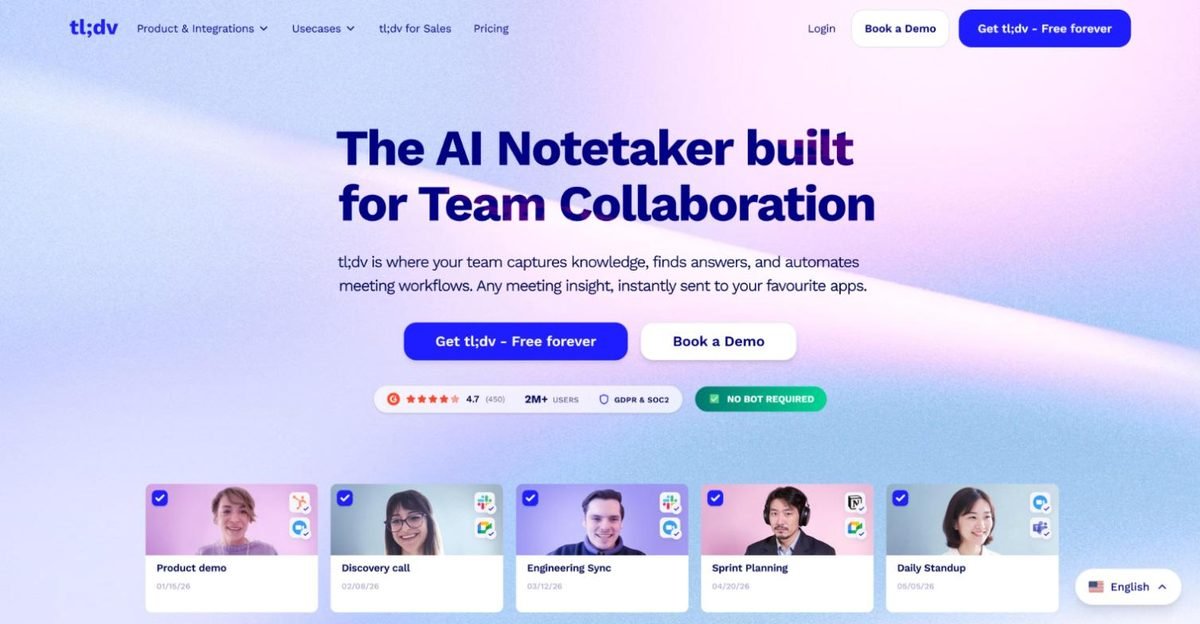
tl;dv records and transcribes meetings in more than 30 languages and turns them into AI notes, follow-up emails and reports. It leans toward sales and customer-facing teams, with features such as playbook monitoring, objection handling and scheduled reports across many meetings. Its homepage also states that no bot is required.
The free plan includes unlimited video recordings and transcription, but AI notes and Ask AI queries are limited to 10 each.
Pricing: Free. Pro $29 per seat/month billed monthly or $18 annually. Business $39 monthly or $29 annually. Enterprise is custom priced.
Pros
- Pro includes unlimited meetings with AI notes, unlimited uploads and storage, and custom note templates.
- Connects to thousands of apps and offers an MCP server, API and webhooks on Pro.
- Business adds insights across many meetings, which suits sales managers reviewing a pipeline.
Cons
- Monthly billing is much more expensive than annual billing.
- The free plan’s 10 AI-noted meetings run out fast for regular users.
- Custom vocabulary is only on Business.
Verdict: A good pick for sales and success teams who want meeting data feeding their CRM and coaching. For general note taking, Fireflies or Fathom is cheaper.
4. Granola: best bot-free Otter alternative
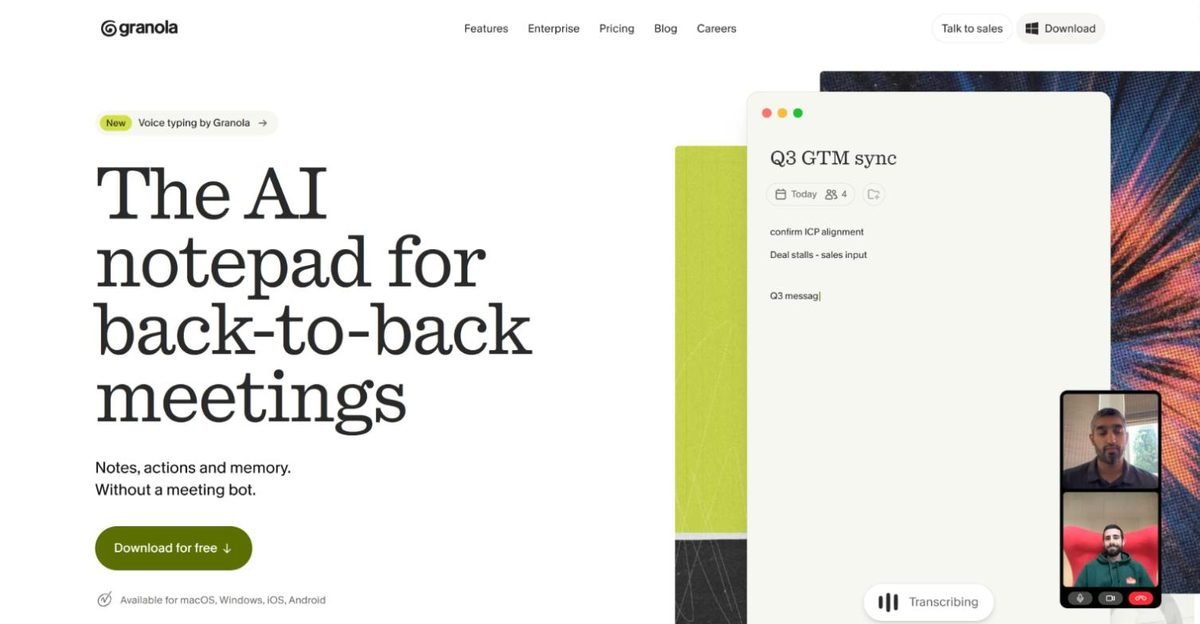
Granola takes a different approach. Instead of sending a bot into the call, it captures audio from your device and combines the transcript with the notes you type, then writes up an enhanced summary. Nobody else in the meeting sees a recorder join.
It runs as a desktop app and has iOS, Android and Apple Watch apps. Because it works from your device audio, it can be used with any call software, as well as in-person conversations.
Pricing: Basic is free. Business costs $14 per user/month. Enterprise costs $35 per user/month. Granola’s pricing page lists one price per plan and does not show a separate annual rate.
Pros
- Bot-free capture on every plan, including the free one.
- Business adds unlimited notes and history, pre-meeting briefs, follow-up emails and integrations with Notion, HubSpot, Attio, Affinity and Zapier.
- Enterprise adds SSO, SCIM and HIPAA-compliant workspaces.
Cons
- The free plan only shows 30 days of meeting history.
- It does not record video, so it is less useful for teams who rewatch calls.
- Salesforce integration is limited to Enterprise.
Verdict: Choose Granola if you take your own notes during calls and want AI to tidy them up without a visible bot. Since recording without a bot is easy to forget, tell participants you are taking AI-assisted notes.
5. Notta: cheapest Otter.ai alternative for transcription
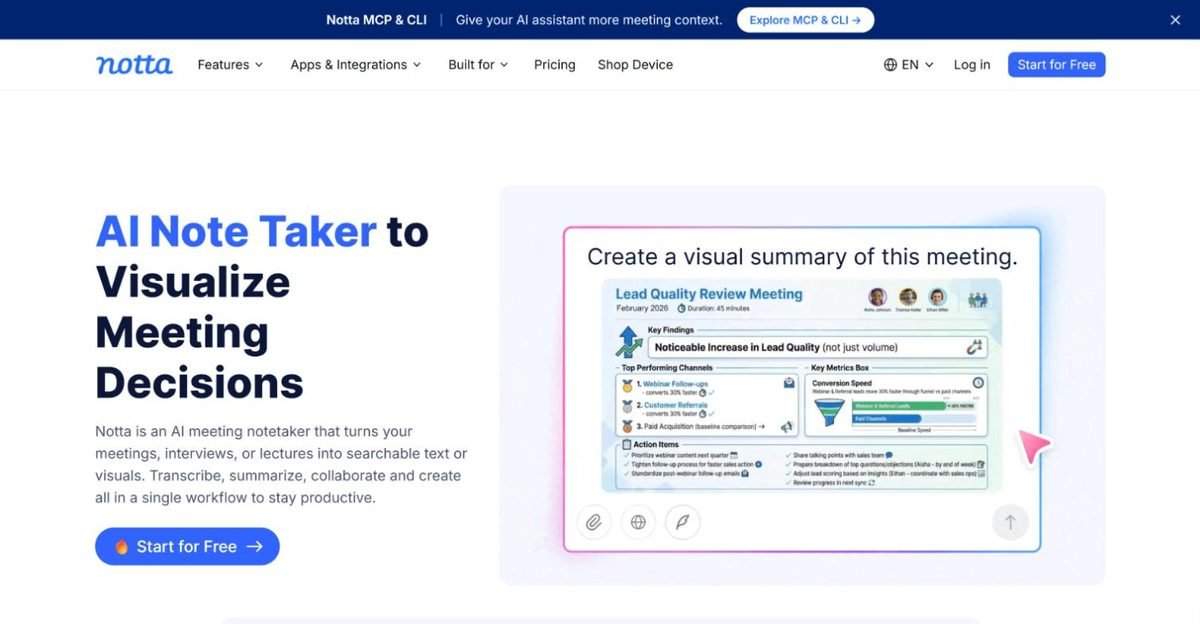
Notta focuses on transcription, file uploads and translation. It can record online meetings with a bot, or record on your device with its desktop app for Mac and Windows. It also has web, mobile and Chrome extension apps.
The free plan is only good for trying it out: 120 minutes a month, up to 3 minutes per conversation and 10 AI summaries a month.
Pricing: Free. Pro $13.49 per user/month billed monthly or $8.17 billed annually ($97.99 a year). Business $27.99 monthly or $16.67 annually ($199.99 a year). Enterprise is custom, from 51 seats.
Pros
- Pro gives 1,800 minutes a month and recordings up to 5 hours, more than Otter Pro.
- Transcript translation is included on Pro, with bilingual transcription available as an add-on.
- Both bot and bot-free recording options.
Cons
- The free plan’s 3-minute limit per conversation makes it unusable for real meetings.
- AI summaries are capped even on paid plans (100 a month on Pro, 200 on Business).
- CRM and Zapier integration requires Business.
Verdict: Notta is the budget pick if you mainly need long transcripts or translation, and you are happy to pay annually.
Otter.ai alternatives compared side by side
| Tool | Free plan limit | Entry paid plan (monthly / annual) | Max meeting length on entry plan | Joins as a bot? |
|---|---|---|---|---|
| Otter.ai (for reference) | 300 min/month, 30 min per conversation | Pro: $16.99 / $8.33 | 90 minutes | Yes |
| Fireflies.ai | Unlimited transcription, 400 min storage per team | Pro: $18 / $10 | 2 hours | Yes |
| Fathom | Unlimited recordings, some AI limits | Premium: $20 / $16 | Not stated | Optional |
| tl;dv | Unlimited recordings, 10 AI-noted meetings | Pro: $29 / $18 | Not stated | Optional |
| Granola | 30 days of history | Business: $14 (one rate listed) | Not stated | No |
| Notta | 120 min/month, 3 min per conversation | Pro: $13.49 / $8.17 | 5 hours | Optional |
Prices are per user or per seat per month in US dollars, based on each vendor’s pricing page in November 2026.
How to choose the right Otter.ai alternative
- If you want the closest replacement for Otter with fewer limits, choose Fireflies.ai.
- If you want to pay nothing and still record every call, choose Fathom.
- If you run sales or customer calls and want CRM updates and coaching, choose tl;dv or Fathom Business.
- If you do not want a bot in your meetings, choose Granola. Fathom, tl;dv and Notta’s desktop app also offer bot-free capture.
- If you need long transcripts or translation on a small budget, choose Notta on annual billing.
- If your meetings run past 2 hours, check the per-meeting limit before you commit. Notta Pro allows 5 hours, while Fireflies Pro stops at 2.
Most of these tools have a free plan, so the safest approach is to run two of them on the same week of calls and compare the summaries before you pay.
FAQ
What is the best Otter AI alternative?
For most people it is Fireflies.ai, because it covers the same platforms as Otter and its paid plan has no monthly transcription cap. Fathom is the better choice if you want to stay on a free plan.
Is there a free Otter AI alternative?
Yes. Fathom’s free plan offers unlimited recordings and transcriptions with AI summaries. Fireflies and tl;dv also have free plans with unlimited transcription, but they limit AI summaries or storage.
Which apps like Otter.ai work without a bot?
Granola records from your device’s audio on every plan, so no bot joins the call. Notta also offers bot-free recording through its desktop app for Mac and Windows, and Fathom and tl;dv now advertise bot-free options too.
Is Fireflies cheaper than Otter.ai?
Not quite. On annual billing, Fireflies Pro costs $10 per seat/month and Otter Pro costs $8.33. Billed monthly, Fireflies Pro is $18 and Otter Pro is $16.99. Fireflies Pro does include unlimited transcription, while Otter Pro caps you at 1,200 minutes a month.
Do I need to tell people I am recording a meeting?
Recording consent rules vary by country and state, and many workplaces have their own policies. It is good practice to tell participants whenever an AI notetaker is in use, especially with bot-free tools that are not visible in the call.
Otter.ai, Fireflies.ai, Fathom, tl;dv, Granola and Notta are trademarks of their respective owners. Minsa AI is not affiliated with these companies, and this article contains no affiliate links. Prices and features were taken from public pricing pages and may change. See our disclaimer for details.